YouTube Music Decision Helper
Google Play Music is gone. Are you better off with the free version of YouTube Music or should you pay for Premium? Answer these questions to find out.
Your Listening Habits
Your Recommendation
Answer the questions on the left and click "Get Recommendation" to see if you should stick with the Free Tier or upgrade to Premium.
You might be digging through your old app list or reading an article from three years ago and wondering: is Google Play Music free? Here is the twist that trips up most people: Google Play Music doesn’t exist anymore. It shut down in late 2020. If you are looking for a free way to listen to music on Android, you are actually looking for its successor, YouTube Music, which offers a genuinely free tier, though it comes with strings attached.
This confusion is understandable. For nearly a decade, Google Play Music was the go-to default for Android users. It allowed you to upload your own MP3s and stream millions of songs. But when Google decided to consolidate its audio services into one platform, they didn't just rename it; they changed the business model slightly. So, if you want to know whether you can still listen without paying a cent, the answer is yes-but only if you use YouTube Music’s free version, and you need to know exactly what you’re signing up for.
The Death of Google Play Music
Google Play Music was officially retired on December 4, 2020. This wasn't a quiet fade-out; it was a hard stop. Users were given a migration tool to transfer their playlists, liked songs, and uploaded library files to YouTube Music. If you missed that window, your data likely vanished unless you backed it up via Google Takeout.
Why did Google kill off a service that had millions of loyal fans? Simplicity. They wanted one brand for all video and audio consumption. By merging the two, they leveraged YouTube’s massive catalog-which includes not just official albums, but also live performances, covers, remixes, and user-uploaded tracks that never made it to Spotify or Apple Music.
If you are still seeing "Google Play Music" on your phone, it’s probably a cached icon or a third-party launcher glitch. Tapping it will usually redirect you to the YouTube Music app or the web player. There is no separate "Play Music" subscription anymore. You either pay for YouTube Premium (which includes YouTube Music) or you use the free, ad-supported version of YouTube Music.
How the Free Tier Works
So, can you listen to music for free? Yes. YouTube Music’s free tier allows unlimited streaming of its entire catalog without a monthly fee. However, this isn't the same experience as the paid version. Think of it like watching TV with commercials versus buying the box set. The content is there, but the convenience takes a hit.
Here is what happens when you hit play on a free account:
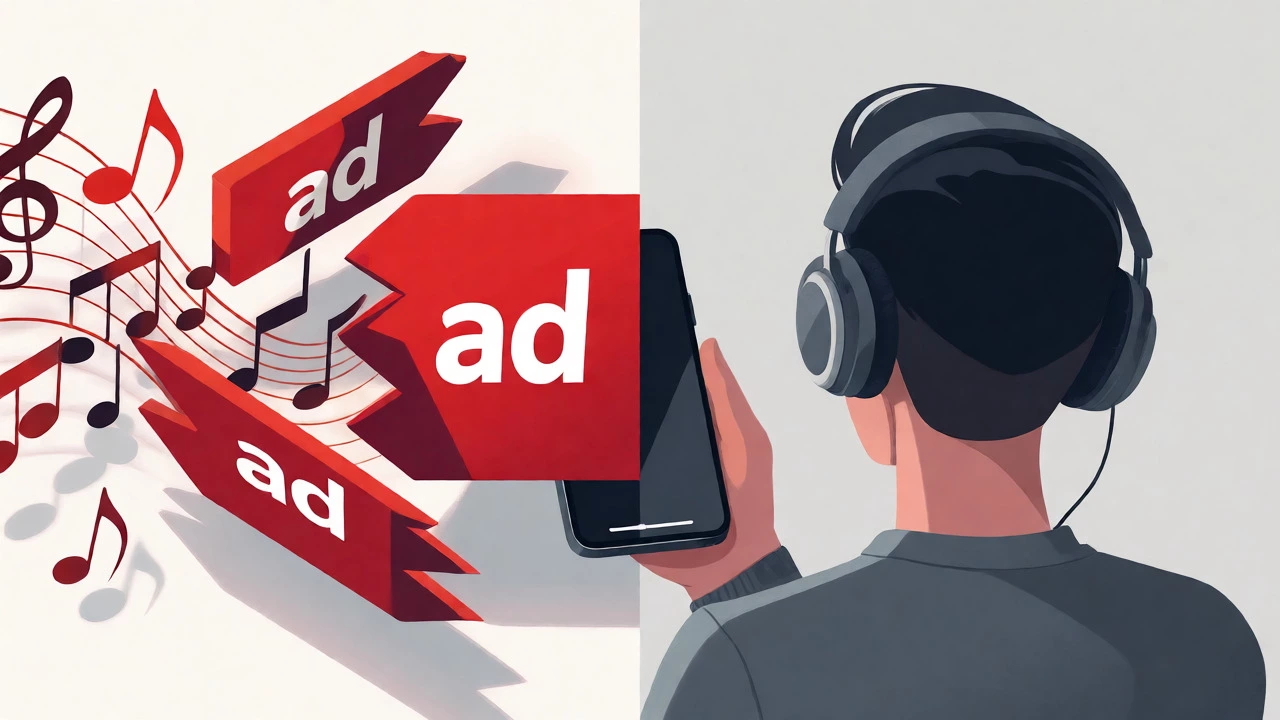
- Ads interrupt your flow. You will hear audio ads between songs. These aren't always skippable, and they can break the mood of a carefully curated playlist.
- No background play. On mobile devices, if you lock your screen or switch apps, the music stops. This is the biggest deal-breaker for commuters who want to listen while walking or driving.
- No offline downloads. You cannot save songs to your device for listening when you have no signal. If you are on a plane or in a subway tunnel, you are out of luck.
- Audio quality caps at 128 kbps. While this is fine for casual listening through cheap earbuds, audiophiles using high-end headphones will notice a lack of depth compared to the 256 kbps AAC offered in the Premium tier.
Despite these limitations, the free tier is surprisingly robust. You get access to over 100 million tracks. You can create playlists, search by lyrics, and explore new artists based on your listening history. For many students or casual listeners, this is perfectly adequate.
What You Get With Premium
If the interruptions drive you crazy, you might consider upgrading. But note: you don't buy a "YouTube Music Premium" plan separately anymore. You subscribe to YouTube Premium.
This bundle removes ads from both YouTube videos and YouTube Music. It unlocks background play, allowing you to turn off your screen and keep the music going. It enables smart downloads, where the app automatically saves songs you listen to frequently so they are ready when you lose Wi-Fi.
| Feature | Free Tier | YouTube Premium |
|---|---|---|
| Cost | $0 / month | ~$13.99 / month (varies by region) |
| Ads | Frequent audio/video ads | None |
| Background Play | No (stops when app closes) | Yes |
| Offline Listening | No | Yes (Smart Downloads) |
| Audio Quality | Up to 128 kbps | Up to 256 kbps AAC |
| YouTube Video Ads | Yes | No |
Is it worth the money? If you watch a lot of YouTube videos daily, absolutely. The ad removal alone often justifies the cost. If you only care about music, compare it against competitors. Spotify’s individual plan is similar in price, but YouTube Premium gives you video ad-blocking too, which adds value if you consume mixed media.
Alternatives to Consider
Since Google Play Music is gone, you might be wondering if other free options exist. The landscape has shifted, but true free tiers are rare among major players.
Spotify offers a free tier, but it is more restrictive than YouTube Music’s. On mobile, Spotify forces shuffle mode-you cannot pick specific songs to play on demand unless you upgrade. You also face more frequent ads and lower bitrate limits. If you like control over your queue, YouTube Music’s free version is superior because it lets you play specific tracks on demand.
Amazon Music Free is another contender. It requires an Amazon account but no Prime membership. Like Spotify, it operates mostly in shuffle mode for free users. The catalog is smaller than YouTube’s, lacking many niche indie tracks and live versions.
Pandora remains popular for radio-style discovery. Its free tier lets you skip a limited number of times per hour. It’s great for passive listening but poor for active playlist building.

Migrating Your Library
If you are coming from the old days, you might worry about losing your uploaded MP3s. When Google shut down Play Music, they gave users time to migrate. If you missed it, check your Google Takeout archives. You may have downloaded a ZIP file containing your music library.
To add those files back into YouTube Music today, you have to do it manually. YouTube Music does not currently support bulk uploading of personal MP3s from your device storage in the same seamless way Play Music did. You can upload files via the desktop web interface, but there is a cap on how much you can store (usually around 50,000 songs total across all Google services). Once uploaded, they appear in your library alongside streaming tracks.
For most people, however, the vast majority of their favorite songs are already in the streaming catalog. Unless you have obscure bootlegs or unreleased demos, you likely won’t miss the upload feature.
Tips for Getting the Most Out of Free Listening
If you stick with the free tier, here are a few hacks to make it less painful:
- Use Wi-Fi wisely. Since you can’t download, ensure you are on strong Wi-Fi before starting a long session to avoid buffering during ad breaks.
- Create static playlists. Shuffle mode is annoying when you want a specific vibe. Build detailed playlists ahead of time so you don’t have to fiddle with the app constantly.
- Leverage the algorithm. YouTube’s recommendation engine is powerful. Spend time liking songs early on; within a week, the "Discover" mix will become shockingly accurate.
- Check student discounts. If you decide to upgrade later, verify your student status. Many universities offer discounted YouTube Premium bundles, sometimes bundled with internet plans.
Remember, the "free" aspect of digital music often comes at the cost of attention. You are paying with your focus. If ads disrupt your workflow or relaxation, the small monthly fee might be the best investment in your daily peace of mind.
Does Google Play Music still exist?
No, Google Play Music was permanently shut down on December 4, 2020. All services were migrated to YouTube Music.
Is YouTube Music completely free?
Yes, YouTube Music has a free tier that costs nothing. However, it includes ads, does not allow background playback on mobile, and prevents offline downloads.
Can I listen to music in the background with the free version?
On mobile devices, no. The music stops when you lock your screen or switch apps. On desktop web browsers, background playback works even in the free tier.
Do I need a Google account to use YouTube Music?
You can browse without an account, but to create playlists, like songs, and sync your listening history across devices, you must sign in with a Google account.
How much does YouTube Premium cost?
Pricing varies by country. In the US, it is approximately $13.99 per month for individuals. Family plans and student discounts are available.