Art Print Production Cost & Strategy Calculator
Should you buy a $700-$2,000 prosumer printer or outsource your prints? This tool helps you find your break-even point based on volume and costs.
Your Variables
Analysis Result
Monthly Savings (if owned):
$0.00
Difference between Lab Cost and Your Ink/Paper CostRecommendation:
You’ve spent weeks perfecting your digital painting or high-resolution photograph. It looks stunning on your calibrated monitor. But when you try to print it at home, the colors look muddy, the blacks are grayish, and the fine details vanish into pixelated mush. This is the moment most artists realize their office printer isn’t cutting it. So, do you actually need a special printer for art prints, or can you get away with a standard model?
The short answer: yes, if you care about color accuracy, longevity, and detail, you need more than a basic all-in-one machine. But "special" doesn't necessarily mean a $2,000 professional rig right out of the gate. It means understanding what makes a print an "art print" versus just a document with a picture on it. Let’s break down exactly what hardware matters, where you’re wasting money, and how to decide between buying gear or outsourcing.
Why Your Office Printer Fails at Art
Most home printers are designed for text documents and casual snapshots. They prioritize speed and cheap consumables over color fidelity. When you send a complex artwork to a standard inkjet printer, it often struggles because it typically uses only four ink cartridges: Cyan, Magenta, Yellow, and Black (CMYK). While this works for flyers, it lacks the dynamic range needed for art.
Art requires subtle gradients, deep shadows, and vibrant highlights that CMYK alone can’t reproduce accurately. Without additional color channels, printers have to simulate these tones by dithering-mixing tiny dots of primary colors. Up close, this creates a visible graininess or "banding" in smooth skies or skin tones. Furthermore, standard printers use dye-based inks, which fade quickly when exposed to light. If you plan to sell your work, a print that fades in two years is a bad investment for both you and the buyer.
The Giclée Standard: What Makes a Print "Special"?
If you’ve heard the term Giclée, you might think it’s just marketing fluff. It’s not. Giclée (pronounced zhee-CLAY) refers to a specific quality of inkjet printing that meets strict standards for resolution and ink type. To qualify as a true giclée, the print must be produced using a high-end inkjet printer with at least eight ink channels, including photo black, matte black, and multiple grays.
This extra ink capacity allows for smoother transitions and a wider color gamut. More importantly, giclée prints use pigment-based inks rather than dye-based ones. Pigment inks sit on top of the paper fibers rather than soaking in, making them resistant to water and UV light. According to Wilhelm Imaging Research, properly framed pigment prints can last 100+ years without significant fading. That archival stability is why galleries and collectors demand giclées. If you want your work to hold value, matching this standard is non-negotiable.
Inkjet vs. Laser: Why Inkjet Wins for Art
You might wonder, "What about laser printers? They’re fast and sharp." For text, absolutely. For art, no. Laser printers fuse toner onto paper using heat. This process limits the variety of papers you can use-you can’t run delicate cotton rag or textured watercolor paper through a hot fuser without warping or jamming. Additionally, laser technology struggles with continuous tone images, often producing banding in gradients.
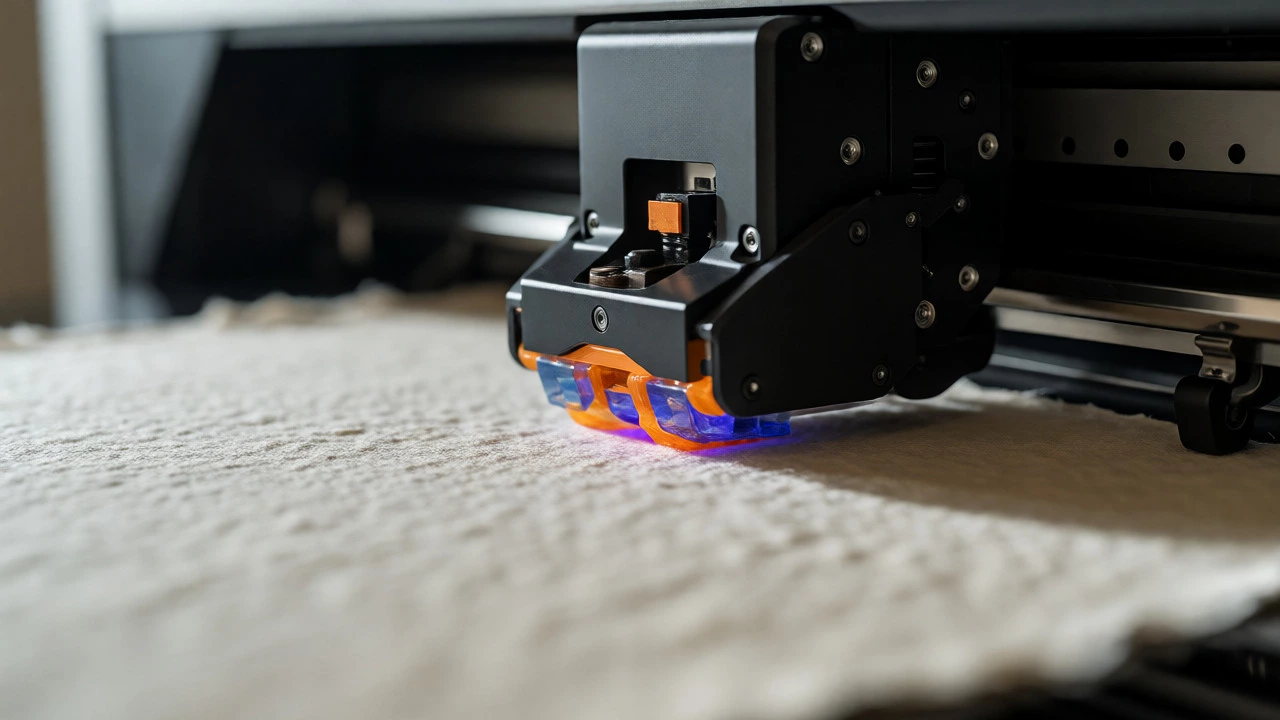
Inkjet technology, specifically piezoelectric inkjets found in prosumer models, sprays microscopic droplets of liquid ink. This allows for much finer control over placement and density. Crucially, inkjets can handle heavy, thick media like archival paper, which has a high cotton content and acid-free composition. The texture of the paper interacts with the ink to create a tactile feel that mimics original paintings. Laser printers simply can’t replicate this physical experience.
| Feature | Standard Home Printer | Prosumer Art Printer |
|---|---|---|
| Ink Type | Dye-based (fades faster) | Pigment-based (archival) |
| Color Channels | 4 (CMYK) | 8-12 (Includes Grays, Photo Blacks) |
| Max Paper Size | Letter/A4 (usually) | A3+, A2, or Roll Feed |
| Media Handling | Rear feed only; jams on thick stock | Front tray & rear path; handles up to 1.5mm thickness |
| Cost per Print | Low initial cost, high long-term waste | Higher upfront, lower cost per archival sheet |
Key Hardware Features You Actually Need
When shopping for a printer dedicated to art, ignore features like "Wi-Fi Direct" or "auto-duplexing." Focus on these three specs:
- Number of Ink Cartridges: Look for at least 6 cartridges. Ideally, go for 8 or more. Models from Canon (PRO series), Epson (SureColor P-series), and HP (DesignJet Z-series) dominate this space. The extra slots are usually filled with Light Gray, Dark Gray, Photo Black, and Matte Black. These allow the printer to produce neutral grays without mixing colors, preventing color casts in black-and-white photography.
- Maximum Media Thickness: Art paper isn’t flat copy paper. It’s thick, textured, and sometimes coated. Ensure the printer supports a media thickness of at least 1.3mm to 1.5mm. Check if it has a straight-through paper path or a front-loading tray, which prevents curved sheets from jamming.
- Connectivity and Drivers: You need robust driver support for software like Adobe Photoshop and Lightroom. Look for printers that offer ICC profile creation tools or accept custom profiles easily. Calibration is key; without proper profiling, even the best printer will output inaccurate colors.
The Hidden Cost: Paper and Profiles
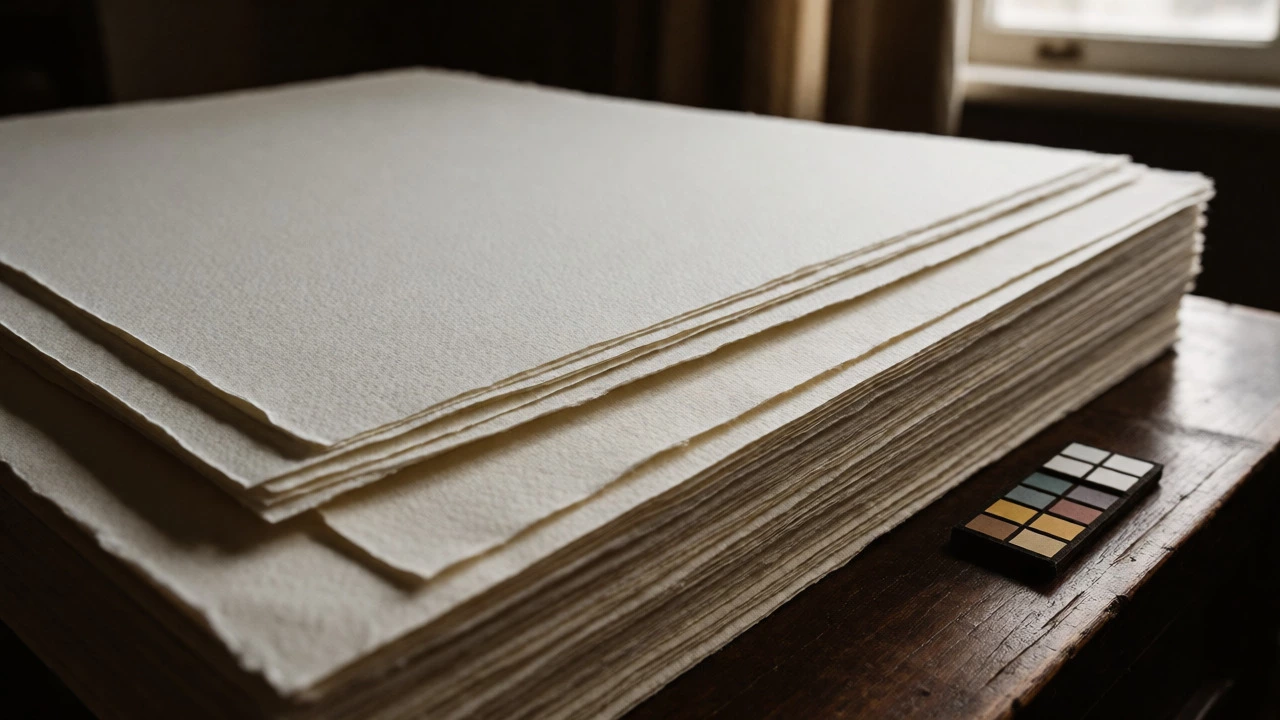
Buying the printer is only half the battle. The other half is the paper. Not all "photo paper" is created equal. For art prints, you generally want fine art paper made from alpha-cellulose or cotton rag, free of lignin and acids. Brands like Hahnemühle, Canson, and Moab are industry standards. A single sheet of A2-sized Hahnemühle Photo Rag can cost $3-$5. If you mess up a calibration test, that’s real money gone.
To make the most of expensive paper, you need ICC (International Color Consortium) profiles. These are small data files that tell your computer exactly how a specific combination of printer, ink, and paper behaves. Most reputable paper manufacturers provide free downloadable profiles for major printer brands. Using generic settings results in dull colors. Loading the correct profile ensures that the red on your screen matches the red on the page.
Should You Buy or Outsource?
This is the biggest decision point. Owning a prosumer printer costs between $700 and $2,000. Add in ink ($100-$200 per set) and paper, and your break-even point might be around 50-100 prints depending on size.
Buy a printer if: * You sell low-volume, high-margin pieces where customization is key. * You need immediate turnaround for local markets or exhibitions. * You enjoy the technical aspect of color management and want total control. * You plan to print frequently (more than 10 large-format prints a month).
Outsource to a print lab if: * You are just starting out and capital is tight. * You need very large formats (A1 or larger) which require massive, expensive machines. * You don’t want to deal with clogged heads or maintenance downtime. * You prefer consistent, standardized quality without tweaking drivers.
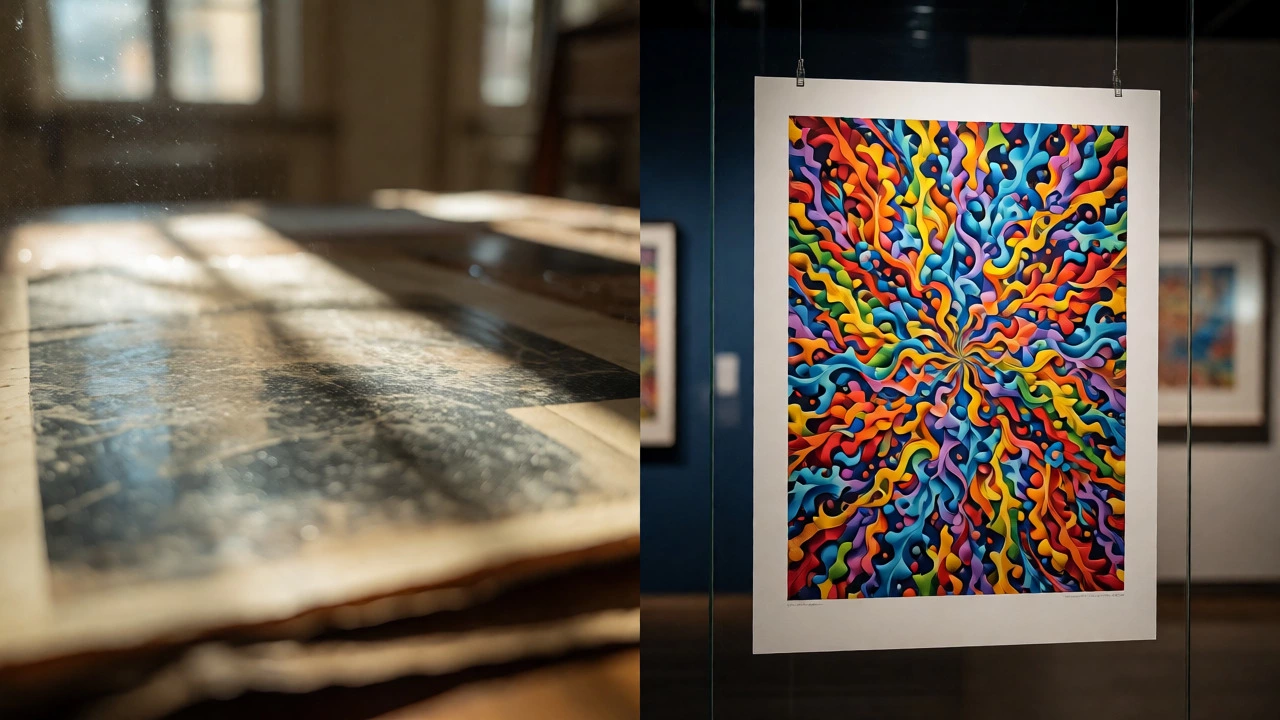
Many successful artists start by outsourcing to services like WhiteWall, Bay Photo, or local giclée labs. Once they establish a steady sales stream, they bring production in-house to improve margins. There is no shame in starting with outsourced prints; focus on selling the art first, then optimize the backend.
Troubleshooting Common Print Issues
Even with great gear, things go wrong. Here are quick fixes for common headaches:
- Banding: Horizontal lines across the image. Run a head cleaning cycle. If it persists, check your alignment settings in the printer menu.
- Color Casts: Whites look yellow or blue. This usually means your monitor isn’t calibrated or you’re using the wrong paper profile. Calibrate your monitor with a hardware tool like a SpyderX or i1Display.
- Clogging: Pigment inks dry out faster than dye inks if left unused. Print a small test strip weekly to keep the nozzles clear. If you’re away for months, consider leaving the printer powered on (if energy efficient) or performing a deep clean upon return.
Can I use any paper for art prints?
No. Standard glossy photo paper is often plastic-coated and not archival. For art, use acid-free, lignin-free fine art papers like cotton rag or baryta. These materials resist yellowing and provide a premium texture. Always ensure the paper weight is within your printer's specifications to avoid jams.
How long do pigment ink prints last?
Under normal display conditions (away from direct sunlight, behind glass), pigment ink prints on archival paper can last 100 to 200 years before noticeable fading occurs. Dye-based inks, by contrast, may begin to fade significantly within 10 to 25 years.
Is a laser printer good for sketches?
Laser printers are excellent for line art, sketches, and monochrome drawings due to their crisp text and sharp lines. However, they struggle with continuous-tone photographs and paintings because they cannot reproduce subtle gradients as smoothly as high-end inkjets.
Do I need to calibrate my monitor?
Yes. Screens emit light, while prints reflect it. Without calibration, your monitor likely displays colors that are too bright or saturated compared to the printed result. A hardware calibrator adjusts your monitor's gamma, brightness, and color temperature to match standard viewing conditions.
What is the difference between photo black and matte black?
Photo black is used for glossy papers to achieve deep, shiny blacks. Matte black is used for uncoated, textured papers (like watercolor or cotton rag) to prevent the ink from bleeding or looking grayish. High-end printers switch between these automatically based on the paper setting.
