Digital Art App Finder
Not sure which app to start with? Answer three quick questions to find your perfect match.
Your Recommended App:
- Platform:
- Pricing:
- Best For:
- Learning Curve:
You’re staring at a blank canvas on your tablet or monitor, stylus hovering, wondering which piece of software will actually let you create the art you see in your head. It’s a common paralysis. With hundreds of options claiming to be "the next big thing," choosing the right digital art app feels less like picking a tool and more like betting your creative future.
Here is the short answer: If you are on an iPad, most people use Procreate. If you are on a desktop or need industry-standard editing, they use Adobe Photoshop. But that binary choice ignores the massive shift happening in late 2026. The market has fragmented into specialized niches, and "most people" now depends entirely on whether you are sketching on a bus or rendering a 3D character at a desk.
The Undisputed King of Mobile Sketching
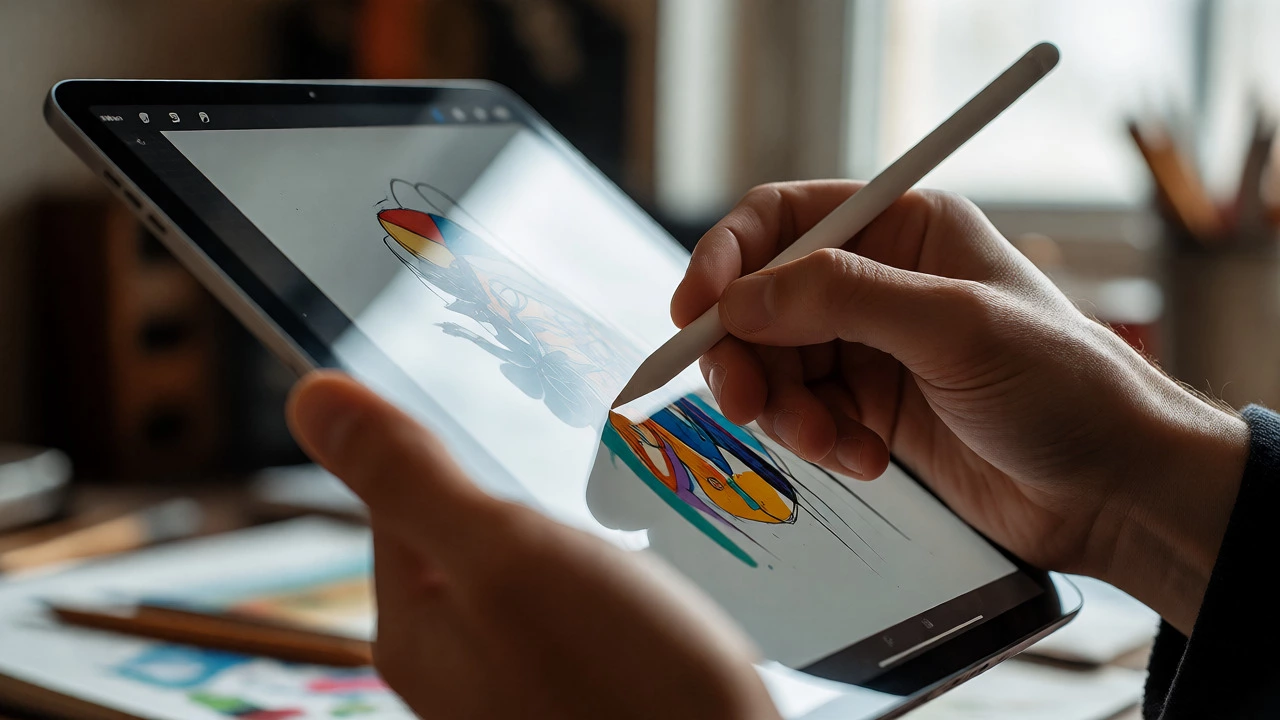
Let’s address the elephant in the room first. Since its release, Procreate has dominated the mobile digital art space. Why? Because it removed the friction. Before Procreate, drawing on an iPad meant dealing with clunky interfaces designed for mice, not fingers. Procreate built its entire architecture around the Apple Pencil.
In 2026, Procreate remains the entry point for over 70% of new digital artists. Its appeal isn't just simplicity; it's the tactile feedback. When you drag a brush, the latency is near-zero. For illustrators, concept artists, and hobbyists who value speed over complex layer management, this is non-negotiable. You buy it once-no subscription-and you own it forever. That one-time payment model broke Adobe’s monopoly on casual users.
- Best for: Illustration, sketching, quick concepts, beginners.
- Platform: iOS/iPadOS only.
- Cost: One-time purchase (approx. $12.99).
- Key Feature: Streamlined interface that stays out of your way.
If you ask a random person on the subway what they use, and they have an iPad, odds are high they’ll say Procreate. It is the default setting for modern digital painting.
The Industry Standard for Professional Work
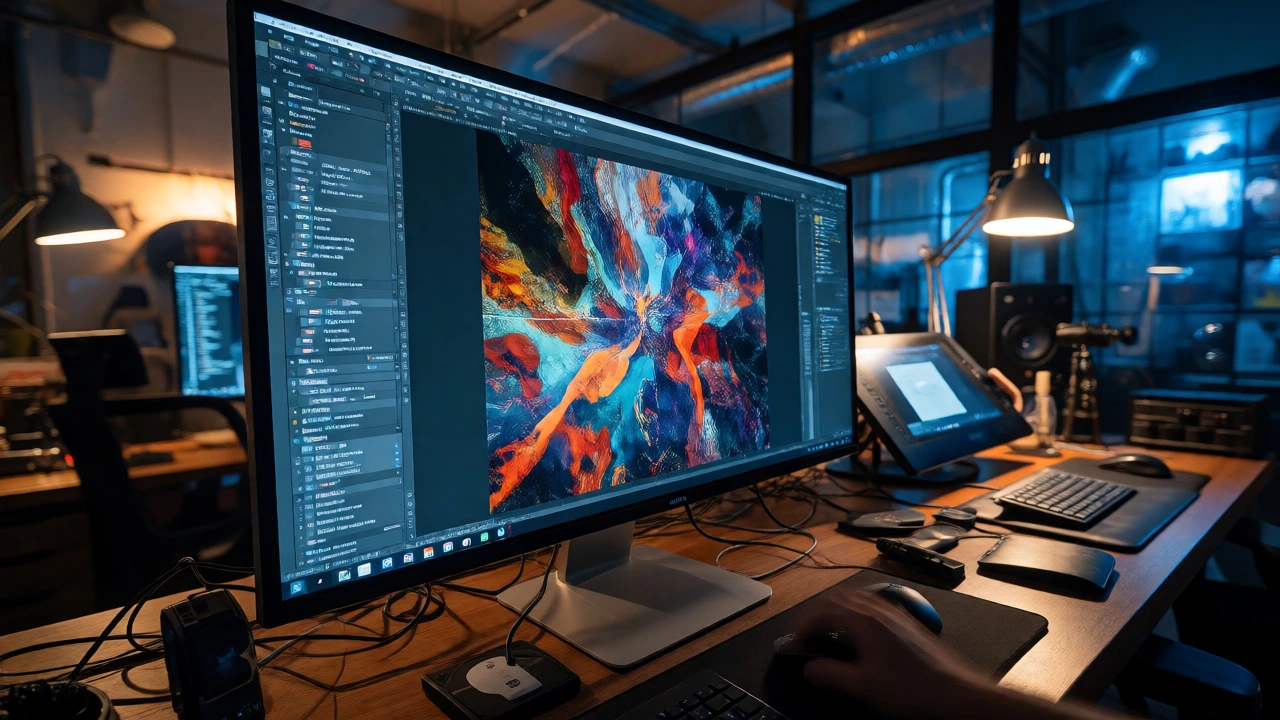
Step away from the tablet and sit at a computer, and the conversation changes. Here, Adobe Photoshop is still the king. It’s not necessarily the easiest app to learn-in fact, many find its interface intimidating-but it is the language of the industry. If you want to work in game studios, advertising agencies, or major publishing houses, you need to know Photoshop.
Why stick with it? Power. Photoshop handles massive file sizes, complex color profiles (CMYK for print), and advanced compositing better than any other app. While competitors try to mimic its features, few match its depth. In 2026, Adobe’s integration of AI tools like Generative Fill has made it even faster for retouching and expanding canvases, keeping it relevant against newer challengers.
| App Name | Primary Platform | Pricing Model | Best For | Learning Curve |
|---|---|---|---|---|
| Procreate | iPad | One-time fee | Sketching & Illustration | Low |
| Adobe Photoshop | Desktop/Mobile | Subscription | Professional Editing | High |
| Krita | Cross-platform | Free/Open Source | Animation & Painting | Medium |
| Clip Studio Paint | Cross-platform | One-time/Subscription | Comics & Manga | Medium |
| MediBang Paint | Cross-platform | Free | Cloud Collaboration | Low |
The Free Powerhouse That Actually Competes
Not everyone wants to pay a monthly subscription, and not everyone owns an iPad. Enter Krita. This open-source program has quietly become the second most popular choice among serious hobbyists and indie developers. Krita is free, but don’t let the price tag fool you-it rivals Photoshop in terms of brush engine quality.
Krita shines where others fail: animation and texture painting. If you’re creating sprite sheets for games or animating short loops, Krita’s timeline features are robust. Plus, because it’s open-source, the community constantly pushes updates that fix bugs and add features faster than corporate giants can. For students or artists on a tight budget, Krita is the smartest financial decision you can make.
It runs on Windows, Mac, Linux, and Android tablets. The interface is customizable, allowing you to strip away clutter if you’re just painting, or bring up complex panels when you’re working on technical illustrations. It’s not as polished as Procreate, but it’s infinitely more powerful for desktop workflows without the Adobe tax.
Specialized Tools for Comics and Manga
Digital art isn't monolithic. If you draw comics, manga, or webtoons, general-purpose apps often lack specific tools like panel creation, speech bubble formatting, and perspective rulers. This is where Clip Studio Paint dominates. Originally known as Comic Studio, it has evolved into a comprehensive suite for sequential art.
Thousands of professional comic artists switch to Clip Studio Paint after trying Photoshop because of its vector layers. You can draw a line, then resize or reshape it later without losing quality-a lifesaver when fixing anatomy mistakes. Its 3D model import feature also lets you pose characters in real-time to check proportions before drawing them manually.
While it has a steeper learning curve than Procreate, the time saved on layout and lettering makes it worth it for storytellers. If your goal is to publish a graphic novel or update a weekly webcomic, Clip Studio Paint is likely the app most successful peers in your niche are using.
How to Choose Your First App
So, which one should you download today? Forget about "best." Focus on "fit." Here is a simple heuristic to decide:
- Do you already have an iPad? If yes, buy Procreate immediately. It costs less than a lunch, and you’ll start creating within minutes. Don’t overthink it.
- Are you aiming for a job in advertising or film? Learn Photoshop. Employers expect it. The subscription cost is an investment in your resume.
- Are you on a PC/Mac with no budget? Download Krita. It’s free, powerful, and you can export files that open in Photoshop if needed later.
- Do you draw comics or anime? Get Clip Studio Paint. The specialized tools will save you hours per project.
Remember, the app doesn’t make the artist. A skilled illustrator can produce masterpiece-level work in MS Paint if forced to. However, the right app removes barriers. If you find yourself fighting the interface instead of focusing on composition, switch apps. There is no shame in changing tools mid-career.
Frequently Asked Questions
Is Procreate better than Photoshop for beginners?
Yes, generally speaking. Procreate has a much simpler interface with fewer menus and settings to navigate. Beginners can focus on drawing rather than managing layers and masks. Photoshop offers more control but requires significantly more time to master basic navigation.
Can I use digital art apps without a drawing tablet?
You can, but it’s difficult. Most digital art apps rely on pressure sensitivity, which allows lines to vary in thickness based on how hard you press. Using a mouse usually results in uniform line weights. Some apps offer smoothing algorithms to help mouse users, but a cheap Wacom Intuos or an iPad with Apple Pencil provides a vastly superior experience.
Which app is best for animation?
For 2D frame-by-frame animation, Krita and Clip Studio Paint are excellent free and paid options respectively. They include timeline features and onion skinning. For professional studio pipelines, Toon Boom Harmony is the industry standard, though it is much more expensive and complex.
Do I need a subscription for digital art?
Not necessarily. Procreate and Krita do not require subscriptions. Clip Studio Paint offers both one-time purchases (for desktop) and subscriptions (for cross-device syncing). Photoshop requires a subscription, but alternatives like Affinity Photo offer a one-time purchase model similar to Photoshop’s core functionality.
What is the most popular app for iPhone-only users?
Procreate Pocket is the direct equivalent for iPhones. It retains most of the main app’s features but adapts the interface for smaller screens. Other popular options include Tayasui Sketches and ibisPaint X, which are also free-to-start and optimized for mobile touch input.