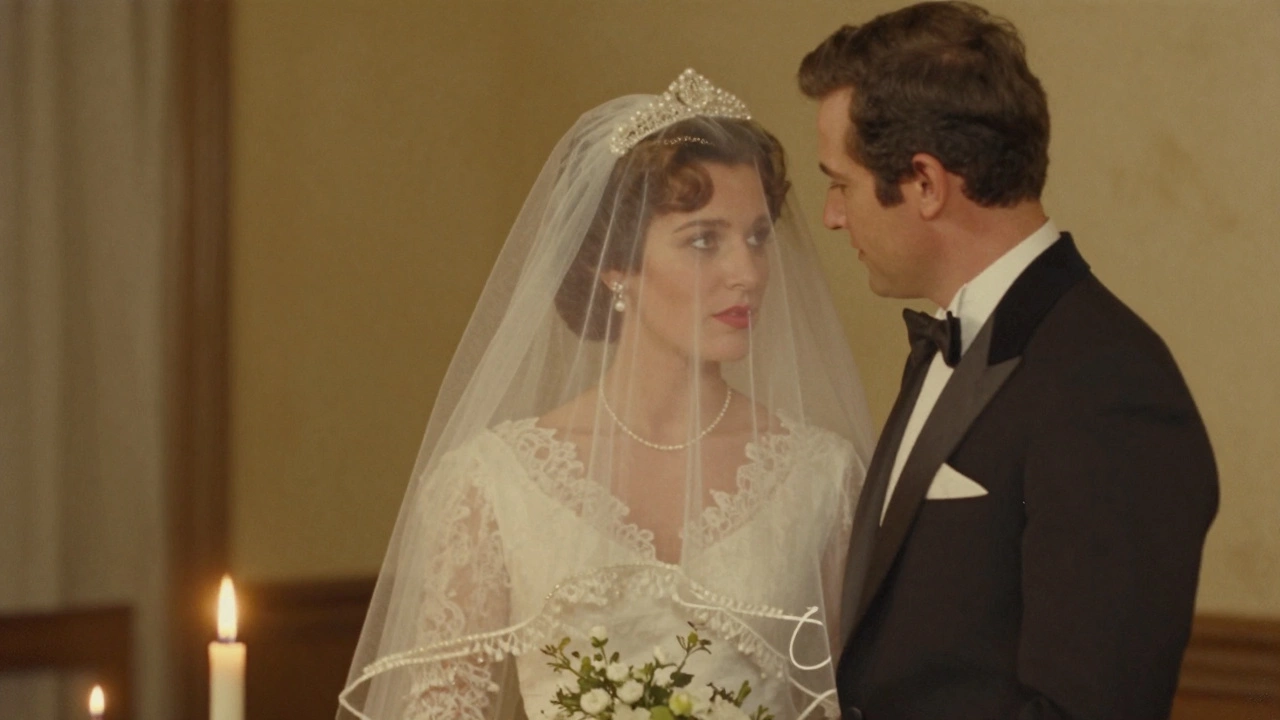
Ever snapped a photo of your kid laughing at the park, your dog curled up on the sofa, or your grandparents smiling at the dinner table-and wished it looked like a painting? You’re not alone. Millions of people want to turn their everyday photos into something timeless, something that feels hand-crafted, emotional, and deeply personal. The good news? You absolutely can turn a picture into a painting. But not all methods are created equal. Some look like a child’s crayon drawing. Others look like they were painted by Rembrandt himself. The difference? It’s all in how you do it.
What Happens When You Turn a Photo Into a Painting?
At its core, turning a photo into a painting means transforming a realistic, pixel-based image into something that mimics the texture, brushwork, and style of traditional art. This isn’t just adding a filter. It’s about reinterpreting light, shadow, color, and form using the language of paint. Think of it like translating a poem from English to French-the meaning stays, but the feel changes.
Early attempts at this were done by hand. Artists would stare at a photo for hours, then recreate it with oils or watercolors. It took skill, time, and patience. Today, you don’t need to be an artist to do it. But you still need to know what tools to use-and which ones to avoid.
Four Ways to Turn a Photo Into a Painting
There are four main paths people take when turning photos into paintings. Each has pros, cons, and results that vary wildly.
- Manual painting by an artist - Hire someone to paint your photo by hand. This is the most authentic method. A skilled portrait painter can capture not just the face, but the mood, the light, even the way someone’s hair catches the sun. Prices range from £150 to £1,200 depending on size and detail. You get a one-of-a-kind original. But it takes weeks, and you can’t change your mind once it’s started.
- AI-powered apps - Apps like Prisma, DeepArt, and Artbreeder use neural networks to apply famous painting styles to your photo. Pick Van Gogh’s swirls, Monet’s soft edges, or Picasso’s geometry. Results are instant. But many look robotic, especially with faces. Eyes often go weird. Skin tones get muddy. It’s fun for novelty, but not for heirlooms.
- AI tools with fine-tuning - Tools like Adobe Firefly and Runway ML let you guide the style more precisely. You can say, “paint this like a 19th-century oil portrait, soft lighting, muted colors.” These tools learn from real art databases and avoid the worst AI glitches. The output is closer to what a real painter would make. You can tweak brush size, canvas texture, and even the direction of light. This is the sweet spot for most people today.
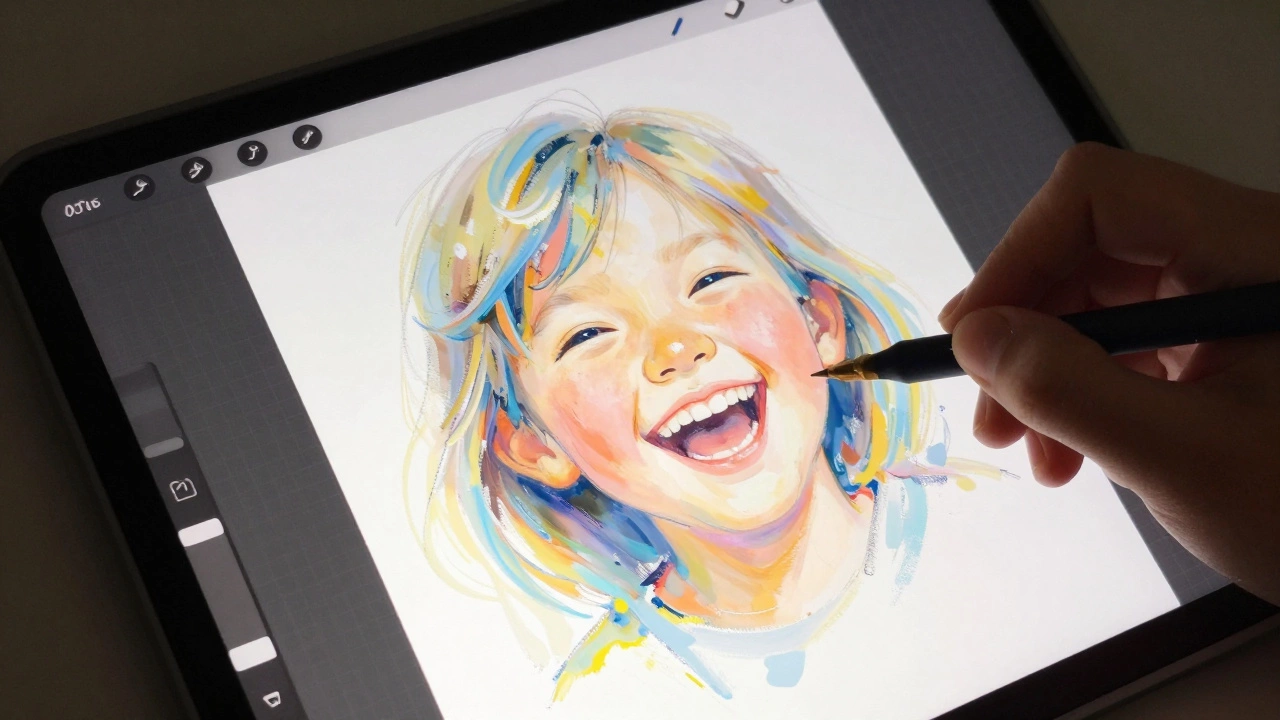
- Hybrid approach: AI + human touch - Start with an AI-generated base, then hand-edit it in Photoshop or Procreate. Add real brush strokes, adjust highlights, fix the eyes. This is what professional portrait studios use. You get the speed of AI and the soul of human artistry. It’s the most expensive option if you hire someone, but the most reliable for quality.
Why Most AI Paintings Look Creepy
If you’ve ever tried an AI painting app and ended up with a photo where your mom’s face looks like a melted candle, you know what I mean. The problem isn’t the tech-it’s how it’s trained.
Most free AI tools are trained on thousands of generic paintings. They don’t understand anatomy. They don’t know how light falls on a cheekbone. They don’t know that eyes should have a slight reflection, or that lips aren’t just a flat red shape. So they guess. And when they guess wrong, you get uncanny valley portraits: eyes too big, teeth too white, skin that looks like plastic.
Real painters study human faces for years. They know the subtle asymmetry of a smile. They know how wrinkles form differently in men versus women. AI doesn’t. It just matches patterns. That’s why the best results come from tools trained on high-quality portrait databases-like those from the National Portrait Gallery in London or the Met’s collection. These tools understand realism before they try to stylize it.
What Style Should You Choose?
Not every painting style works for every photo. A candid shot of your cat sleeping on the windowsill? Impressionism works. A formal family portrait? Realism or classical oil. A black-and-white wedding photo? Maybe a watercolor wash to soften the edges.
Here’s a quick guide:
| Photo Type | Best Style | Why It Works |
|---|---|---|
| Portrait (adult, formal) | Classical Oil | Rich textures, deep shadows, timeless feel |
| Child or pet photo | Impressionism | Soft edges, playful brushwork, captures motion |
| Black-and-white photo | Watercolor | Translucent layers add warmth without color overload |
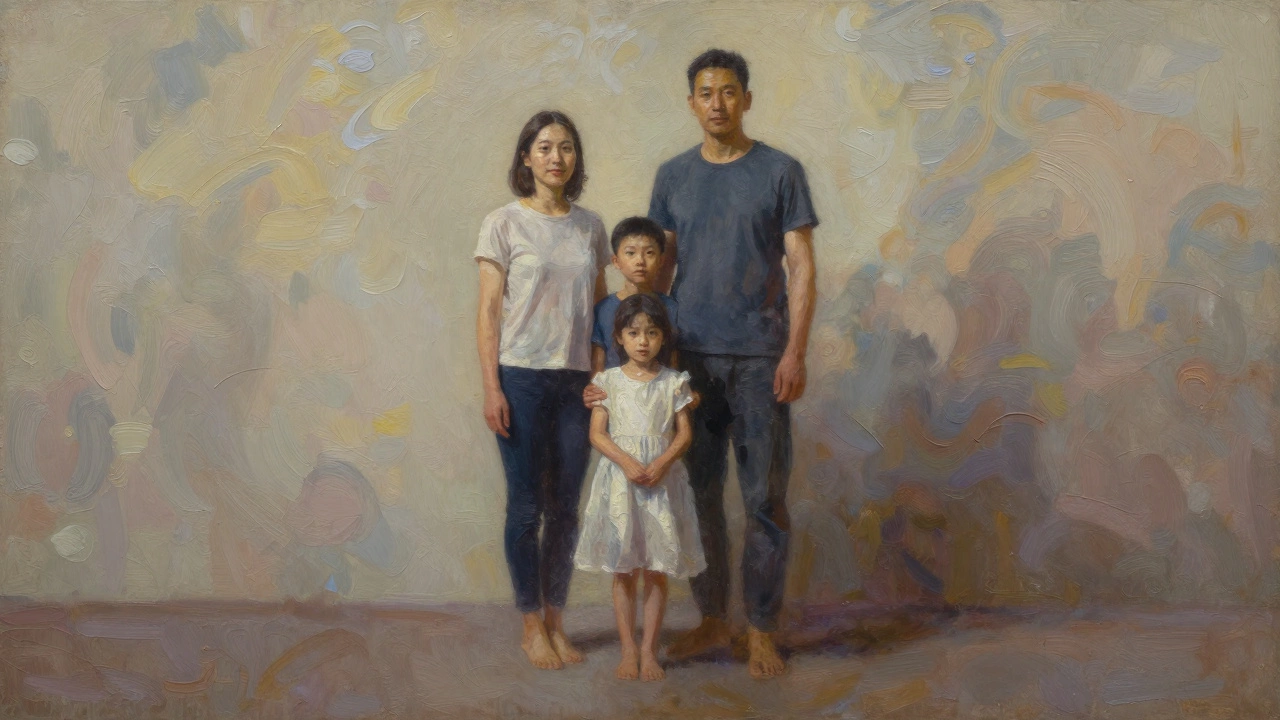
| Group photo (large family) | Realism with muted tones | Keeps everyone recognizable, avoids visual chaos |
| Vintage photo (1920s-1950s) | Art Deco or Pencil Sketch | Matches the era’s aesthetic, adds nostalgia |
Pro tip: Avoid hyper-stylized styles like cubism or surrealism for portraits unless you’re going for a joke. They distort features too much. Grandparents don’t want to look like a Picasso.
How to Get the Best Results (Step by Step)
Want a painting that looks like it was made by hand-not a robot? Here’s how to do it right.
- Start with a good photo - High resolution (at least 3000 pixels wide), good lighting, clear focus. Blurry, dark, or overexposed photos will give you blurry, dark, overexposed paintings.
- Use Adobe Firefly or Runway ML - These are the most reliable tools for portraits. They’re trained on fine art, not memes.
- Choose a reference painting - Upload a small image of a real oil portrait you like (say, John Singer Sargent’s work) as a style guide. This tells the AI what brushwork and color palette to copy.
- Generate 5-10 versions - Don’t settle for the first one. Change the intensity slider. Try different brush sizes. Sometimes a lighter touch looks more natural.
- Fix the eyes - Eyes are the hardest. Use Photoshop or Procreate to manually paint in pupils, reflections, and eyelashes. This one step makes it look human.
- Print on canvas - Don’t just save it as a JPEG. Use a professional print service that offers archival canvas and UV-resistant ink. Your painting should last 100 years.
What to Avoid
There are traps everywhere.
- Free apps that ask for your photo - Many sell your images to training datasets. Your family portrait could end up in an AI tool you never heard of.
- Over-filtering - More texture doesn’t mean better. Too many brush strokes turn your face into a muddy mess.
- Ignoring the background - A painted background should complement the subject, not distract. Soften it. Blur it. Make it feel like it belongs.
- Expecting perfection - A painting isn’t a photo. It’s an interpretation. Slight imperfections make it beautiful.
Real-Life Example: Turning a Wedding Photo Into a Heirloom
One client in Bristol brought me a photo of her parents’ 1972 wedding. It was faded, grainy, and taken in a church with harsh flash. She wanted something to hang above their fireplace.
I used Adobe Firefly, trained on 1970s portrait photography and 19th-century oil painting styles. I adjusted the lighting to look like candlelight, softened the background to a muted gold, and kept the bride’s veil as soft brushstrokes. Then I hand-painted the eyes and the wedding ring in Procreate. The final piece looked like it was painted in 1973-not by a computer, but by someone who was there.
She cried when she saw it. Not because it was perfect. But because it felt true.
Is It Still Art?
Some purists say if a machine does it, it’s not art. But art has always been about tools. Oil paint was once a new technology. Photography was called “not real art” when it first came out. Now we hang photos in galleries.
What matters isn’t how it was made. It’s what it means. A painting made from your child’s first smile, your dog’s last days, your grandmother’s laugh-it’s not about the brush or the algorithm. It’s about memory made visible.
Can I turn any photo into a painting?
Yes, but not all photos work well. High-resolution, well-lit images with clear subjects give the best results. Blurry, dark, or overly busy photos will produce messy, unclear paintings. Faces are especially tricky-make sure the eyes and nose are visible.
What’s the cheapest way to turn a photo into a painting?
Free AI apps like Prisma or PicsArt are the cheapest-sometimes free. But they often produce low-quality or creepy results. For decent quality at low cost, try Adobe Firefly’s free tier. It’s more reliable and doesn’t watermark your image. You’ll pay around £5-£15 for a high-res print.
Do I need to be good with computers to do this?
No. Tools like Adobe Firefly and Runway ML have simple sliders and presets. You just upload your photo, pick a style, and hit generate. If you want to tweak details like eyes or lighting, you’ll need basic Photoshop skills-but you can hire someone on Fiverr for £20 to fix it for you.
Can I sell paintings made from my photos?
Yes, as long as you own the photo and the rights to the image. But if you used an AI tool, check its terms. Some platforms claim ownership over generated art. Adobe Firefly and Runway ML let you sell your creations. Avoid free apps that don’t clarify copyright.
How long does it take to turn a photo into a painting?
AI tools take seconds to minutes. Hand-painted versions take days to weeks. If you’re using AI and printing it yourself, you can have a physical painting in under 24 hours. For a custom oil painting from an artist, expect 2-6 weeks.
Next Steps
Start small. Pick one photo-your favorite, your most meaningful-and try it. Use Adobe Firefly. Pick a style. Generate three versions. Pick the one that makes you pause. Print it. Hang it. See how it changes the room. See how it changes the way you remember that moment.
This isn’t about replacing art. It’s about bringing it closer to life. A painting made from your photo isn’t just decoration. It’s a bridge between now and forever.
