Canva Commercial License Checker
Is Your Design Safe to Sell?
Check if your Canva elements meet commercial use requirements before selling
Many people use Canva to create social media graphics, logos, posters, and even T-shirt designs. But when they start thinking about selling those designs, a question pops up: Is it legal to sell designs from Canva? The short answer? It depends. Not all Canva content can be sold, and not all users understand the rules. If you’re planning to turn your Canva projects into a side hustle, you need to know exactly what’s allowed - and what could get you in trouble.
What Canva Actually Owns
Canva isn’t a free stock photo site. It’s a design platform that gives you access to millions of images, fonts, icons, and templates. But each of those elements has its own license. Some are free for personal use only. Others come with a commercial license. And a few are completely restricted from resale.
Canva’s content falls into three main buckets:
- Free elements - These include basic shapes, lines, and some photos. Many are labeled "Free for commercial use," but not all.
- Pro elements - These are premium graphics, fonts, and templates that require a Canva Pro subscription. They come with extended licenses.
- Third-party content - These are uploaded by independent creators. Their licenses vary wildly.
Here’s the catch: just because you paid for Canva Pro doesn’t mean everything in the library is yours to sell. You’re licensing the right to use the content - not owning it.
Can You Sell Canva Templates?
Yes - but only if you created the template yourself and didn’t use restricted elements. For example, if you built a social media post template using only free elements labeled "for commercial use," you can sell that template on Etsy or your website.
But if you used a Canva Pro font like "Montserrat Bold" or a stock photo from their library and sold the template as-is, you’re violating their terms. Canva explicitly bans reselling their templates, even if you modified them. That includes selling editable Canva files (like .canva files) to others.
Think of it this way: you can sell a final design - like a printed poster or a T-shirt - but not the design file that someone else could reuse.
What Elements Are Safe to Use for Selling
Not every image or icon on Canva is created equal. Here’s how to tell what’s safe:
- Check the license label - Every element has a small icon next to it. A "Free" tag means it’s free to use, but doesn’t always mean commercial. A "Pro" tag means you need a subscription. A "Commercial Use Allowed" badge is your green light.
- Avoid trademarked logos - Even if it’s a free element, if it looks like Nike’s swoosh or Disney’s Mickey Mouse, don’t use it. Canva doesn’t own those trademarks.
- Don’t use celebrity photos - Photos of actors, athletes, or public figures are often licensed for editorial use only. Selling a T-shirt with a photo of Taylor Swift? That’s a lawsuit waiting to happen.
- Fonts matter - Some fonts on Canva are free for commercial use. Others, like "Lato" or "Poppins," are fine. But many script fonts are restricted. Always click the font name to see its license.
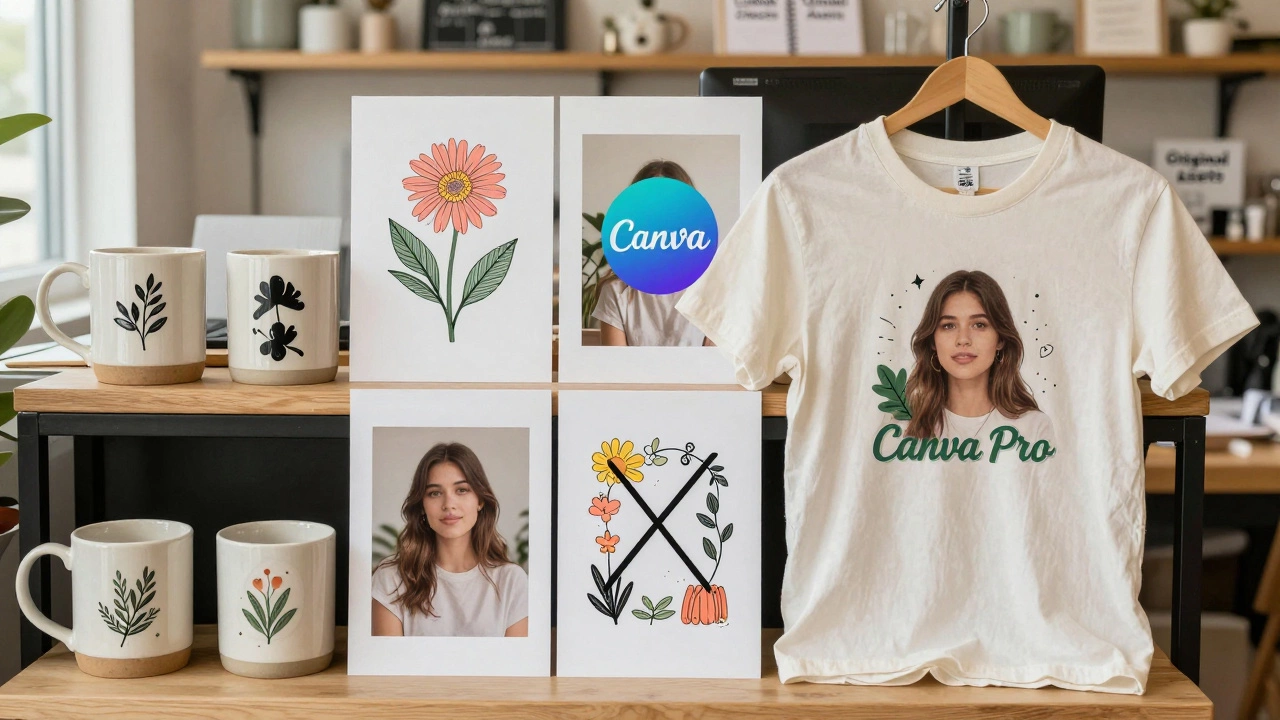
Canva’s own help page says: "You may use our content to create and sell physical products (like mugs, posters, or apparel), as long as you don’t resell or redistribute the original content as-is or as a template." That’s your golden rule.
Real-World Examples: What’s Allowed vs. What’s Not
Let’s break this down with real scenarios:
- Allowed: You design a motivational quote poster using a free background, a commercial-use font, and a free icon. You print 500 copies and sell them on Etsy. Legal.
- Not allowed: You download a Canva Pro Instagram template, change the text, and sell the .canva file on Gumroad. Illegal.
- Allowed: You use Canva to design a custom logo for a local bakery. You deliver the final PNG and they print it on bags. Legal.
- Not allowed: You use a Canva stock photo of a mountain landscape and sell it as a print on Redbubble. Illegal. That photo belongs to a photographer who licensed it to Canva - not to you for resale.
One designer on Reddit made $12,000 selling Canva-based wall art - but only after carefully removing every Pro element and replacing them with their own photos and vector art. That’s the level of caution you need.
What Happens If You Get Caught?
Canva doesn’t patrol Etsy or Amazon like a police officer. But they do have automated tools that scan for copyright violations. If someone reports your product - say, a T-shirt with a Canva Pro graphic - Canva can issue a takedown notice to the platform you’re selling on.
Worse, if you’re selling at scale, you could get hit with a copyright lawsuit. In 2023, a small business in Ohio was sued for $25,000 after using a Canva Pro image on 3,000 coffee mugs. The image was licensed for editorial use only. The court sided with the original photographer.
Platforms like Etsy, Amazon, and Shopify also have their own rules. If you’re flagged, they’ll remove your listing - and sometimes freeze your account. That’s not just lost sales. That’s lost income and reputation.
How to Sell Canva Designs Safely
If you want to build a business around Canva, here’s how to do it without risking legal trouble:
- Use only elements labeled "Commercial Use Allowed" - Filter your search by this tag. It’s your safest bet.
- Create original layouts - Don’t use Canva templates as-is. Rearrange elements, add your own graphics, change colors, layer text. Make it unmistakably yours.
- Use your own photos - Upload personal photos or ones you’ve taken. No license issues there.
- Buy standalone licenses - If you want to use a premium image, buy a standalone license directly from the photographer’s site (like Shutterstock or Adobe Stock). That gives you clearer rights.
- Document everything - Keep screenshots of the license labels for every element you use. If questioned, you’ll have proof.
Many successful sellers on Etsy use Canva as a starting point - but they layer in custom illustrations, hand-drawn elements, or edited photos to make each design unique. That’s the sweet spot: using Canva for efficiency, not as a shortcut to ownership.
Alternatives to Canva for Selling Designs
If you’re worried about Canva’s restrictions, consider other tools with clearer commercial rights:
- Adobe Express - Offers similar templates but with more transparent licensing. Their "Premium" elements include commercial rights.
- Figma - Free for commercial use if you create everything from scratch. Great for vector-based designs.
- Placeit - Specializes in mockups and product designs. All templates come with a commercial license.
- Unsplash + Illustrator - Combine free high-res photos from Unsplash with vector tools. No licensing traps.
These tools give you more control. You’re not relying on a platform’s ever-changing terms. You own the process.
Final Verdict
Yes, you can legally sell designs created in Canva - but only if you follow the rules. You can’t just copy a template, change a word, and call it your own. You need to transform the design, use only permitted elements, and never resell the original files.
The key isn’t avoiding Canva. It’s understanding how to use it responsibly. Treat it like a toolbox, not a magic wand. The more original work you add, the safer you are.
And if you’re ever unsure? Skip the element. Find another. Your business - and your bank account - will thank you.
Can I sell Canva designs on Etsy?
Yes, you can sell Canva designs on Etsy - but only if you’ve created a unique final product using elements with commercial use rights. You cannot sell editable Canva files, templates, or designs that rely heavily on Pro or restricted content. Your design must be significantly transformed and not look like a direct copy of a Canva template.
Do I need Canva Pro to sell designs?
No, you don’t need Canva Pro to sell designs. Many free elements on Canva allow commercial use. But Pro elements come with extended licenses that make it easier to use premium fonts and graphics legally. If you plan to sell frequently, Pro is worth the subscription - but you can still make money without it if you stick to free, commercially licensed content.
Can I use Canva fonts in logos I sell?
You can use Canva fonts in logos you sell - but only if the font’s license allows commercial use. Canva lists font licenses on each font’s details page. Popular fonts like Lato, Poppins, and Montserrat are safe. But many decorative or script fonts are restricted. Always check before using a font in a logo for resale.
What if I use a Canva image and crop it?
Cropping doesn’t change the license. If the original image doesn’t have a "Commercial Use Allowed" tag, cropping it won’t make it legal to sell. Canva’s terms apply to the content itself, not how you edit it. Always verify the license before using any image - even if you’ve resized or recolored it.
Can I sell Canva designs internationally?
Yes, but you still must follow Canva’s global terms. Their license agreement applies worldwide. If you’re selling to customers in the EU, UK, or Australia, you’re still bound by the same rules. Some countries have stricter copyright laws, so using unlicensed content increases your risk regardless of where you’re based.
If you’re just starting out, begin with free, commercially licensed elements. Build a small collection of designs. Test the market. Once you see traction, invest in original assets or tools with clearer rights. The goal isn’t to use Canva as a shortcut - it’s to build a sustainable, legal business.